TR Book now

How it works

One booking,
two screens.

You pick a free time on your phone; at the same moment it’s taken in the shop’s calendar. No calls, no paper diary, no waiting.

01
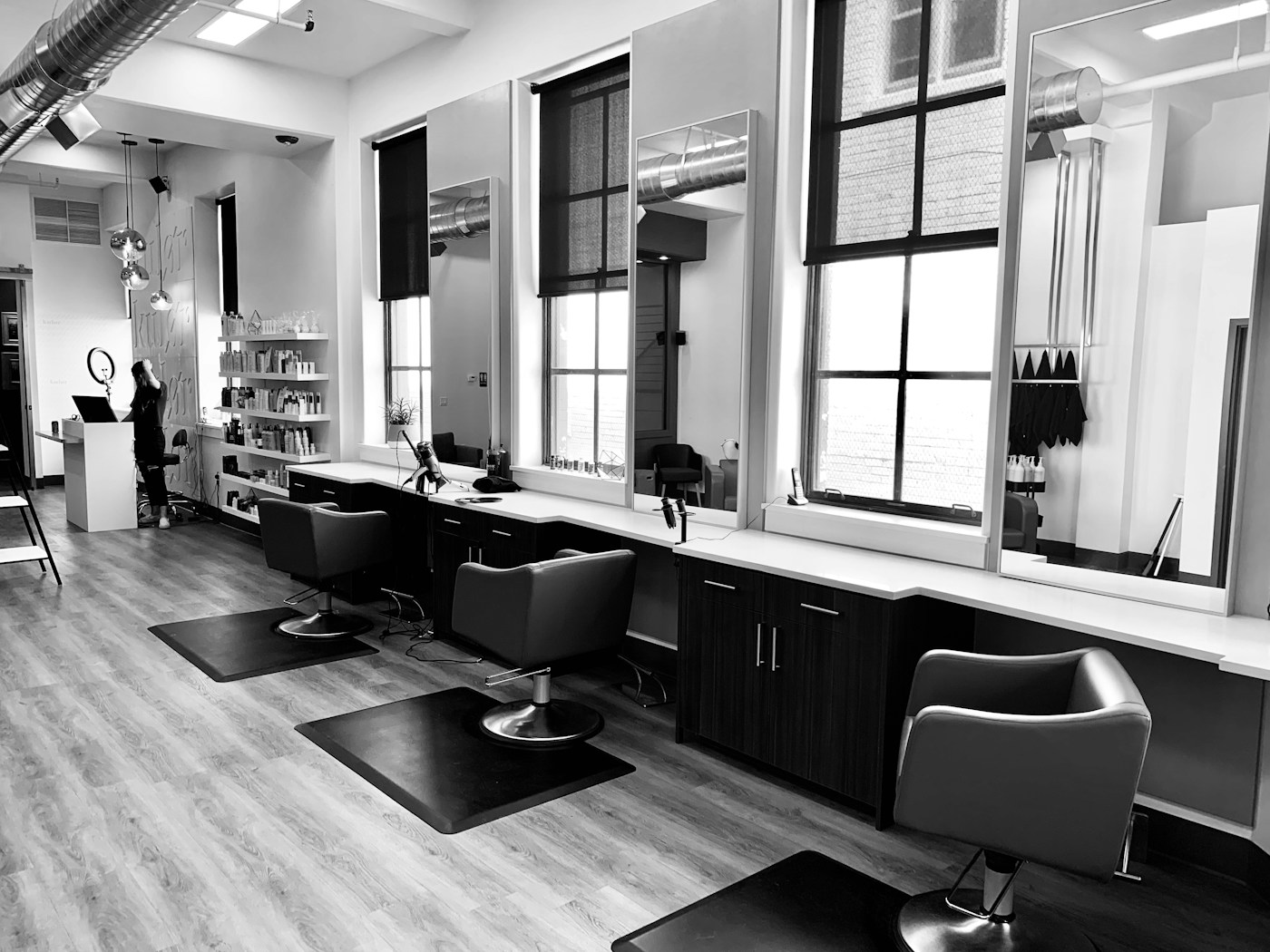
A bright salon

Explore

Pick your neighbourhood; see barbers, hair salons, prices and the next free time.

02
A beard trim at the barber’s

Choose

Pick the service, your stylist and a free time. Hair and beard together? Tick both.
03
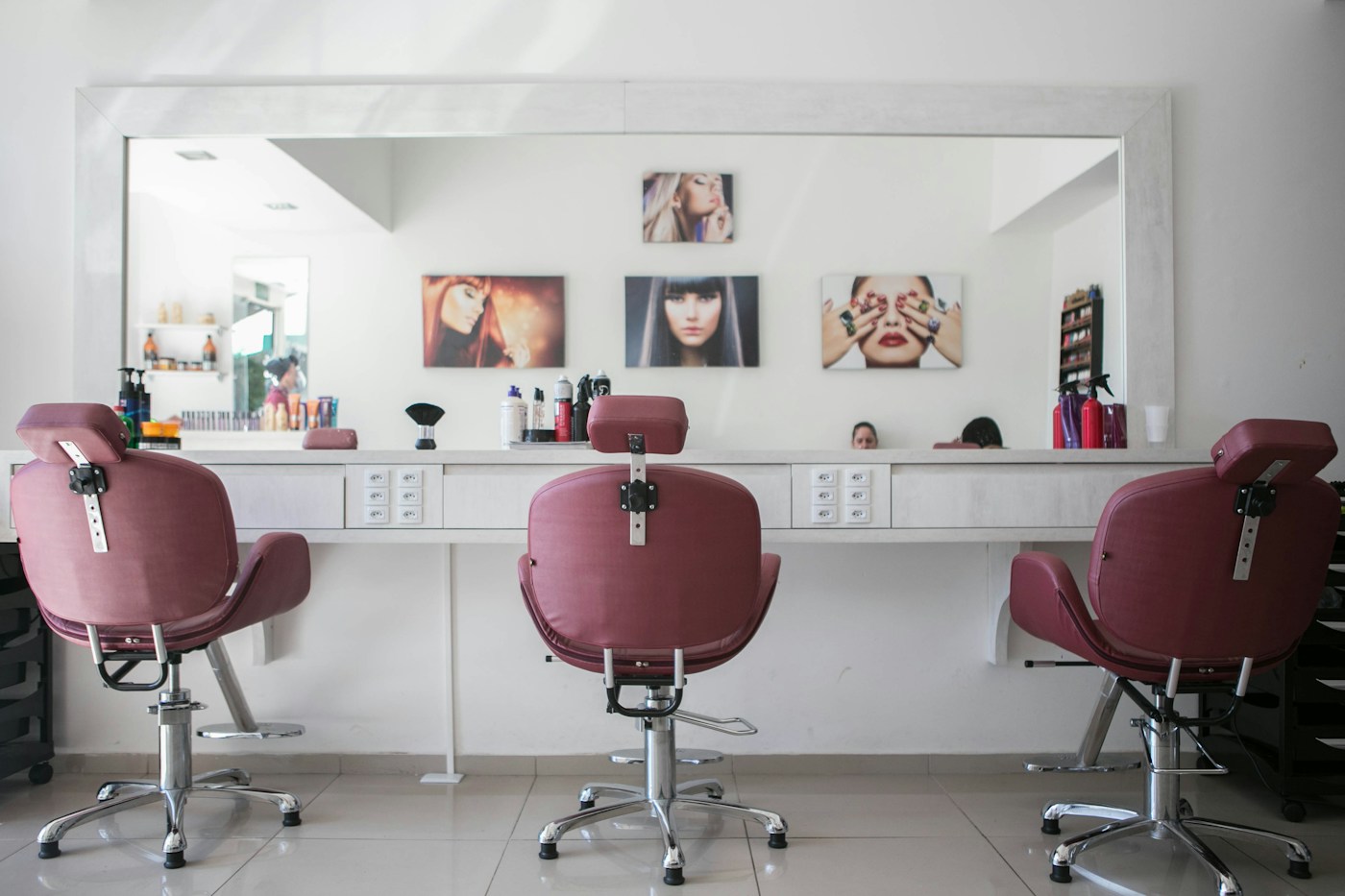
Hair care at a salon

Sit back

The time is yours. Add it to your calendar; if plans change, cancel or move it in a few taps.

All of your time

Choose 45 minutes,
get 45 minutes.

A booking isn’t just a start time. As much time as your service takes is held for you. A time that doesn’t fit can’t be chosen, and nobody can book the same slot twice.

14.30 – 15.15 is yours

Tap a time · sample calendar, 45-minute haircut

After you book

On your side and the shop’s,
at the same time.

The moment you see the confirmation, the booking is in the shop’s calendar. Here is what happens next on each side.

You

  1. The confirmation opens. Your booking stays under Bookings.
  2. Add it to your phone’s calendar with “Add to my calendar”.
  3. Your phone reminds you; 2 hours before, once more.
  4. Up to the shop’s limit you cancel or change the time. After that, call the shop.
  5. You pay the shop after the service. Rabs never charges you.

The shop

  1. The time is taken in the calendar. Nobody can book it twice.
  2. With the panel open, “New booking” pops up with a sound.
  3. The booking is marked “Found on Rabs” or “Your link”.
  4. The time opens again; another customer can take it.
  5. The stylist marks it completed or no-show. This stays with that shop only.

The rules

Simple rules.
A solid calendar.

0 ₺For customers. Book without an account.
15 minDurations in 15-minute steps; the calendar stays tidy.
20 secNew bookings, on the open panel’s screen.
24/7Book even while the shop is closed.

Takes a minute to try

That hour
is yours.