


01 · Pick your area
Shops near you.
Choose your city, district or neighbourhood from the list, or use your location. Barber, hair salon, beauty and more; prices and the next free time at a glance.
For customers
See the free times, pick your stylist, book. No account, no download, no fee.
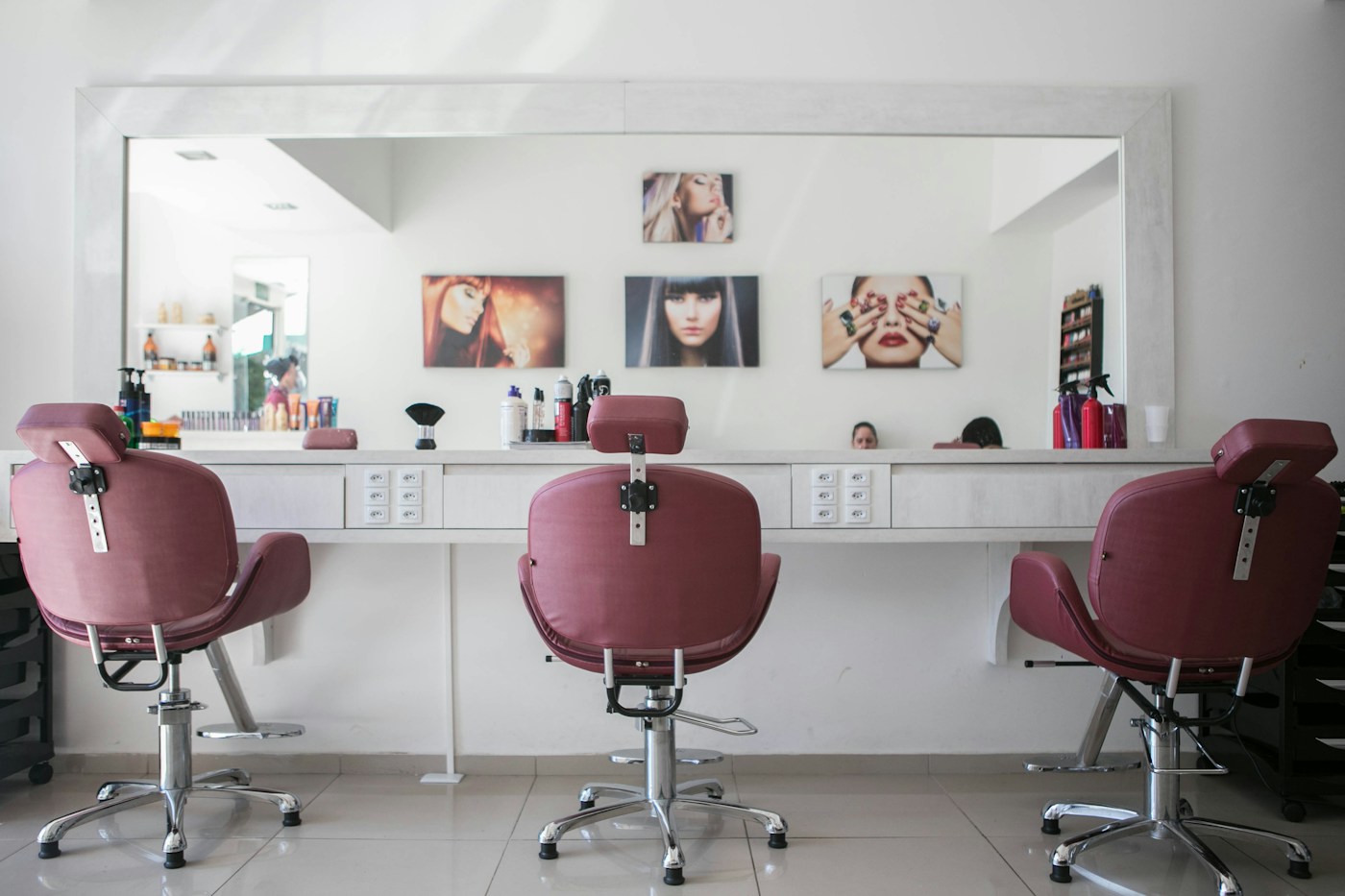
Which booking?
Rabs is for every business that works by appointment: from hair and beauty to car washes, from tailors to photo studios. Tap one to search Rabs for that kind of business.


Four taps
Everything you see comes from the shop’s real calendar. The time you pick is yours that moment.
Choose your city, district or neighbourhood from the list, or use your location. Barber, hair salon, beauty and more; prices and the next free time at a glance.
Services, durations, prices and opening hours on one page. Save a shop you like with the heart.
Choose your usual stylist. Choose “anyone” and the first free stylist is picked; that’s when you see the most times.
A crossed-out time is taken, or your service wouldn’t finish before closing. The rest is yours; add your name and number and confirm.
Try it nowReminders
After you book, tap “Add to my calendar”. An iPhone reminds you a day and two hours before (you can change this in Profile → Reminder); if your watch is paired with your phone, the alert reaches your wrist too.
On Android, your calendar’s own notification setting does the reminding. There is nothing else to download.
Why Rabs
Rabs doesn’t charge you, doesn’t ask for an account and doesn’t follow you around with ads. You book; the rest is between you and the shop.
Like an app
It isn’t an app from a store: you put rabs.com.tr on your phone’s home screen as an icon, and it opens full screen, without the address bar.
Rabs sends no notifications, on the home screen either; for a reminder, tap “Add to my calendar” on the confirmation. On iPhone, Rabs on the home screen is kept apart from Safari: a booking you made in Safari doesn’t show there, so add it before you book.
Something on your mind?